See your day instead of reading it.
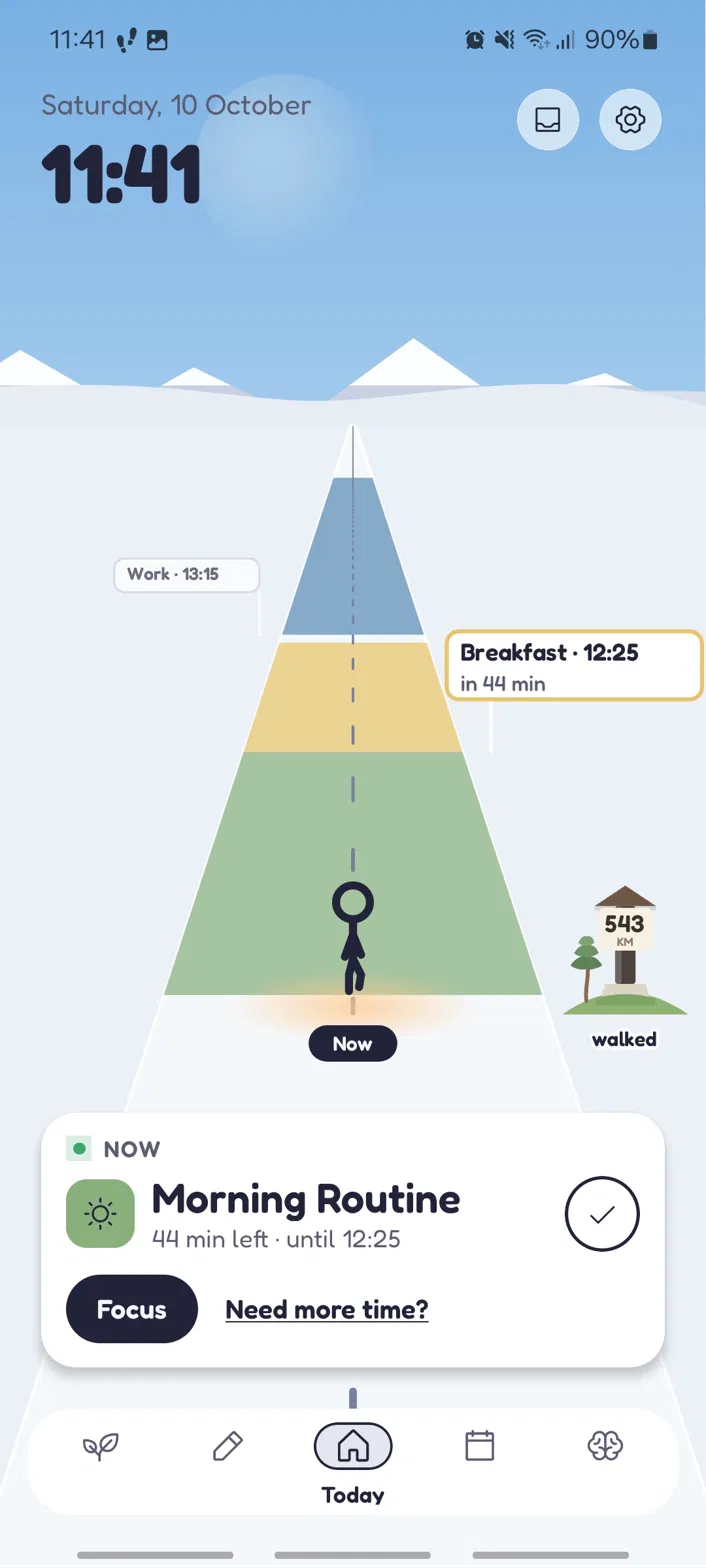
Visual Day turns your day into something you can look at, not a list you have to decode. It's for people with time-blindness or ADHD — and anyone whose days just don't run on a clock the way they're supposed to. When plans change, it bends.
Free · No account needed · Leave whenever you want
Testing is open
Leave your email below and I will add you to the tester list, then send you a private install link.
The link only works for addresses on the list, so the email you give me has to be the Google account you are signed in with on your phone.
Android only. Free, no account, and you can leave whenever you want.
One ask: please keep it installed for two weeks. Google needs twelve testers running it that long before the app can go public.
Works on Android
The QR code will be added once the install link is final.
Leave your emailWhat it actually does
Four things it does well. Tap one to see it in the app.
How testers help
Install it and give it a real go for about two weeks. Being honest about why: Google asks for real testers actually using an app before I'm allowed to publish it. So your two weeks genuinely get this thing out the door — thank you for that.
Step 1
Leave your email
The Google account you use on your phone.
Step 2
I send you a link
I add you to the tester list and email you a private link.
Step 3
Become a tester
Open the link, tap "Become a tester", then install from Google Play.
Step 4
Use it for two weeks
Use it for two weeks and tell me what feels off.
Step 5
I fix things
I fix things and you get the updates automatically.
Why I built this
My brain doesn't run on clocks. I'd miss one thing, the whole day would fall apart, and I'd give up on the plan entirely.
So I built the tool I actually needed: one that lets you see your day instead of reading it. No guilt, no rigid grid. I hope it helps you like it helps me.
Your day, as blocks you can see
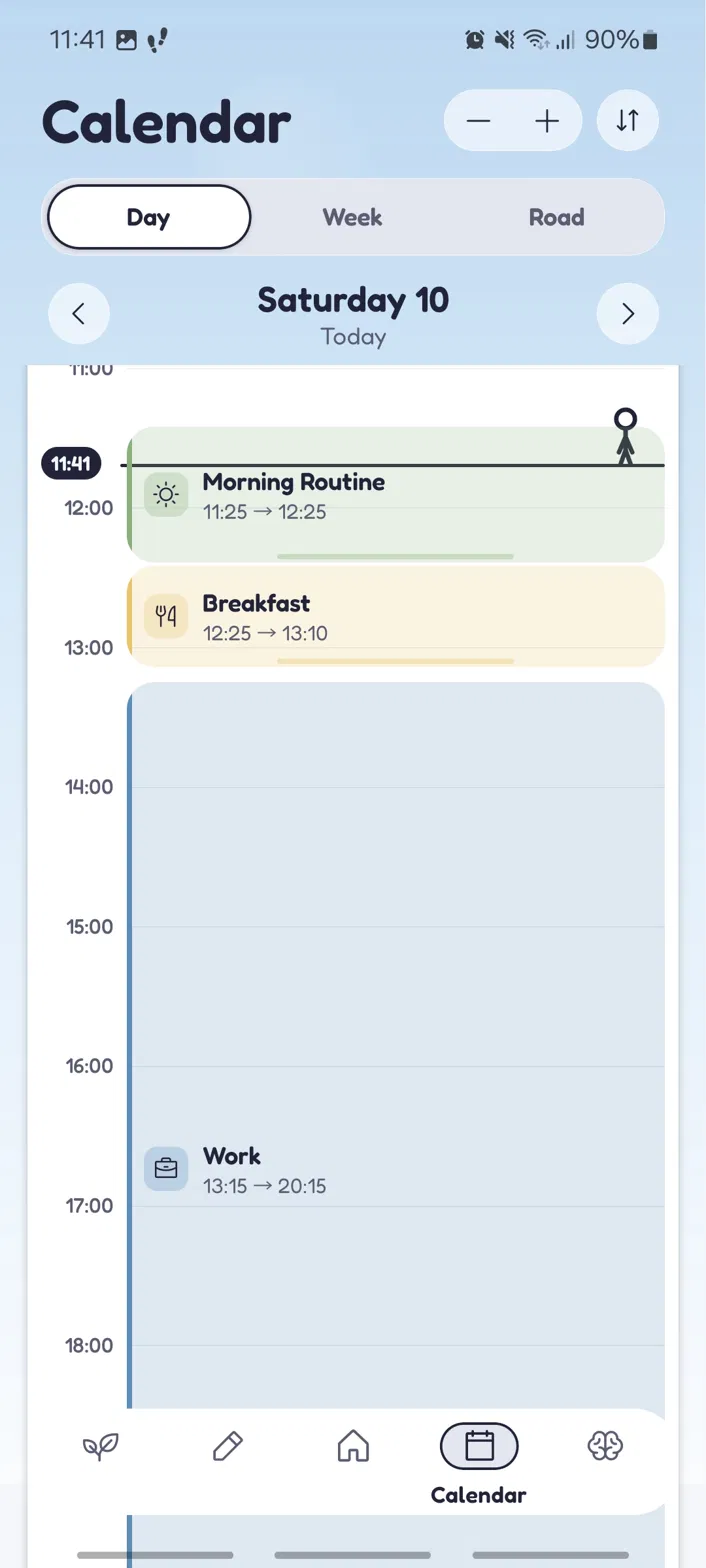
One glance and you know where you are
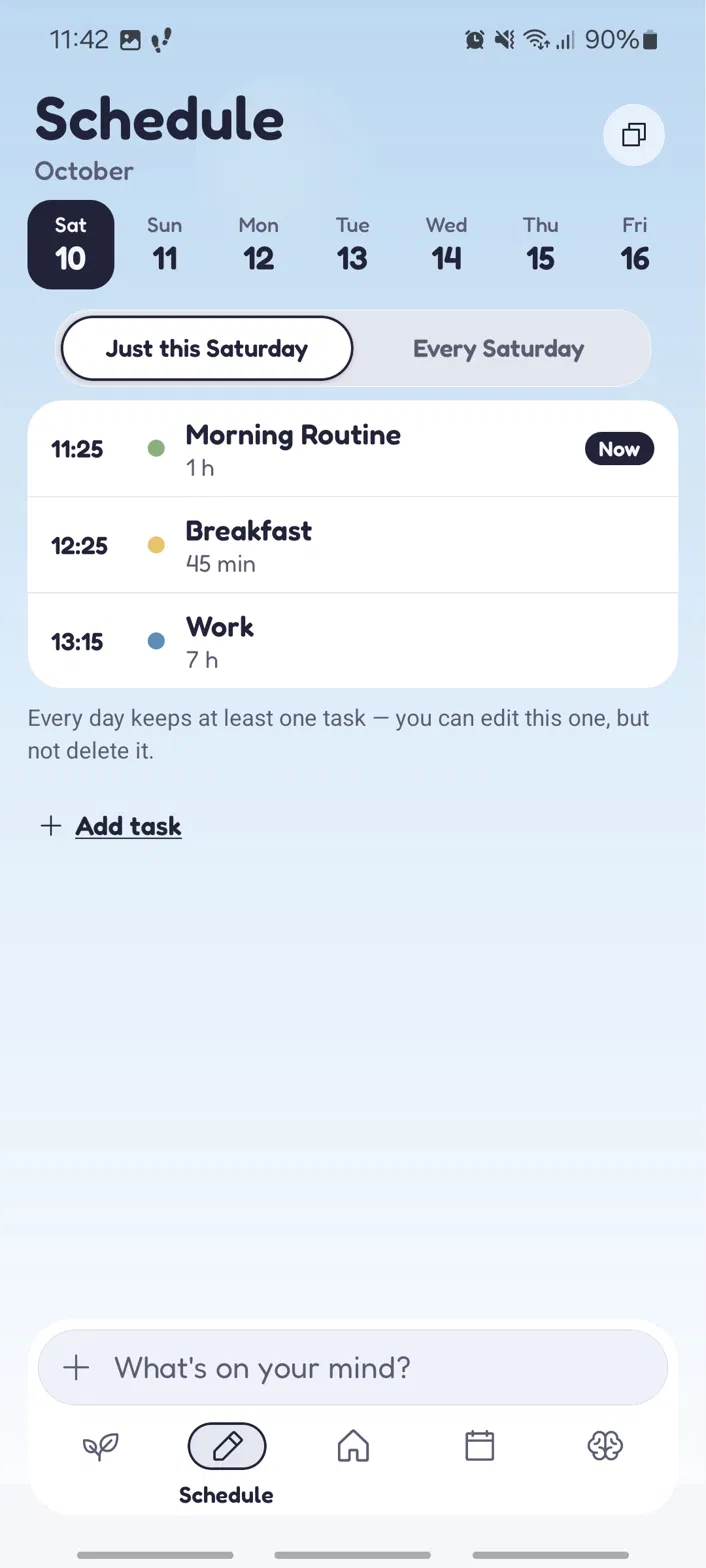
Things move. The plan moves with them.
Want a nudge when it's out?
Leave your email and I'll write once when Visual Day is properly out, and now and then when there's a new test build. Nothing else.
You're joining the tester list — updates and new builds, so you can help make the app better. No account, no password, nothing to set up.
Use the Google account you use on Google Play — I cannot add any other kind of address.
Tell me what's off
What's confusing, what's missing, what you'd change. I read every one of these.
A Quick Guide to Visual Schedule Building for ADHD
Three small shifts that make planning feel possible again.
All three are built into the app, so you don't have to keep track of them yourself.